
The new FotoMagico 6 – Create slideshows on Macs and iPads
Impress with the slideshow of your life 9th, Nov. 2021Today Boinx Software launches the newest version of the slideshow maker software, FotoMagico® 6. The new FotoMagico

Impress with the slideshow of your life 9th, Nov. 2021Today Boinx Software launches the newest version of the slideshow maker software, FotoMagico® 6. The new FotoMagico

Boinx Software has a long history and heritage with Apple.

Boinx Software has spent 25 years creating software solutions that are easy to use and powerful in application.

mimoLive Update 5.10.1 improves live streaming for Mac®.
Download: https://boinx.com/connect/mimolive/versionhistory/5.10 Changes: New Features: New: Added an incoming and outgoing transition to the Count Down layer. New: The Auto Video Switcher layer now uses

Improve your presentation by giving your audience a visual help to follow your on-screen activity. It highlights the mouse cursor and drives the attention to it.
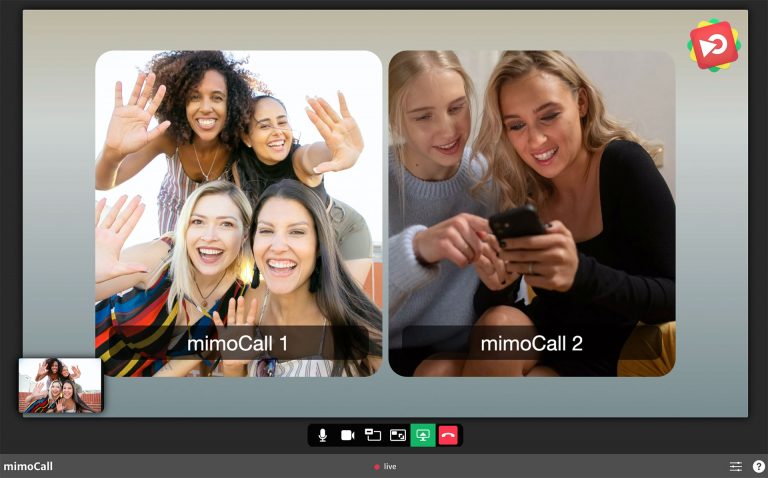
What is the mimoCall Beta Testing? Beta testing is an opportunity for real users to use a product in a production environment, with the goal of

macOS 11 Big Sur and new Macs with M1 processor – mimoLive status UPDATE January 1st, 2021: All the best for the New Year! mimoLive
How to use mimoLive in Microsoft Teams? UPDATE June 2021: The issues is fixed in MS Teams for macOS Version 1.4.00.8872 and higher. The current
You are currently viewing a placeholder content from Vimeo. To access the actual content, click the button below. Please note that doing so will share data with third-party providers.
More InformationYou are currently viewing a placeholder content from YouTube. To access the actual content, click the button below. Please note that doing so will share data with third-party providers.
More InformationYou need to load content from reCAPTCHA to submit the form. Please note that doing so will share data with third-party providers.
More Information